Blur, Brutal Legend, C&C Red Alert 3: Linux Does What Nintendon't

The most valuable thing you can do for the longevity of a device is install linux on it. I’m not just talking personal longevity, I’m also talking about the weird and wonderful ways you can keep a platform alive when you have an open target.
That brings me to my switch lite. Probably my favorite console of all time (and I’ve had them all.) I love the switch, but when the switch lite came out I was lucky enough to get the official nintendo hard-case. It’s indestructable, you can throw it into a backpack or suitcase destined to be smashed and beat the hell up with no worry. My many plane rides were completely transformed.
Fast forward to July 2026. I’ve so many handhelds, an actual Steam Deck, phones, tablets, gaming pcs, yada yada. And I spy it. A link shared in the comments thread on a github repo. They’ve gottten the ARM release of steam running on Tegra (Switch) Linux. My mind is set ablaze! Though the hardware is basically 2011 tablet/phone hardware, that’s still powerful enough to run many generations of games. Games that never came out on the switch. Games that will never be re-released or ported anyhwere near a Nintendo system. PC games that won’t run in retroarch, real deal AAA games.
One week later and I’ve got three of my absolute favorites running quite well. These are games that everyone should play, and to have them on my Switch Lite has been a delight. Fills my heart with joy. Curious? Here’s the setup for each.
Blur (Steam appid 42640)

- Replace
Blur.exewith a no-CD / no-GFWL exe (the stock GFWL wrapper hangs under box64). - Launch via Proton — the no-CD exe has no Steamworks DRM, so it can run without Steam.
-
Float the Joy-Con off X11 (stops stick→cursor and buttons→Escape):
class="highlight">xinput list # find the two "Nintendo Switch Lite Gamepad" ids xinput float <pointer-id> # stick no longer moves the cursor xinput float <keyboard-id> # buttons no longer send Escape # on exit, restore: xinput reattach <pointer-id> "Virtual core pointer" xinput reattach <keyboard-id> "Virtual core keyboard" -
box64 flags + performance governor (it’s CPU-bound; GPU is mostly idle):
class="highlight"># Steam launch options / env: BOX64_DYNAREC_BIGBLOCK=3 BOX64_DYNAREC_STRONGMEM=0 BOX64_DYNAREC_SAFEFLAGS=0 %command% # lock CPU cores to max clock: echo performance | sudo tee /sys/devices/system/cpu/cpu*/cpufreq/scaling_governor
Brütal Legend (Steam appid 225260)


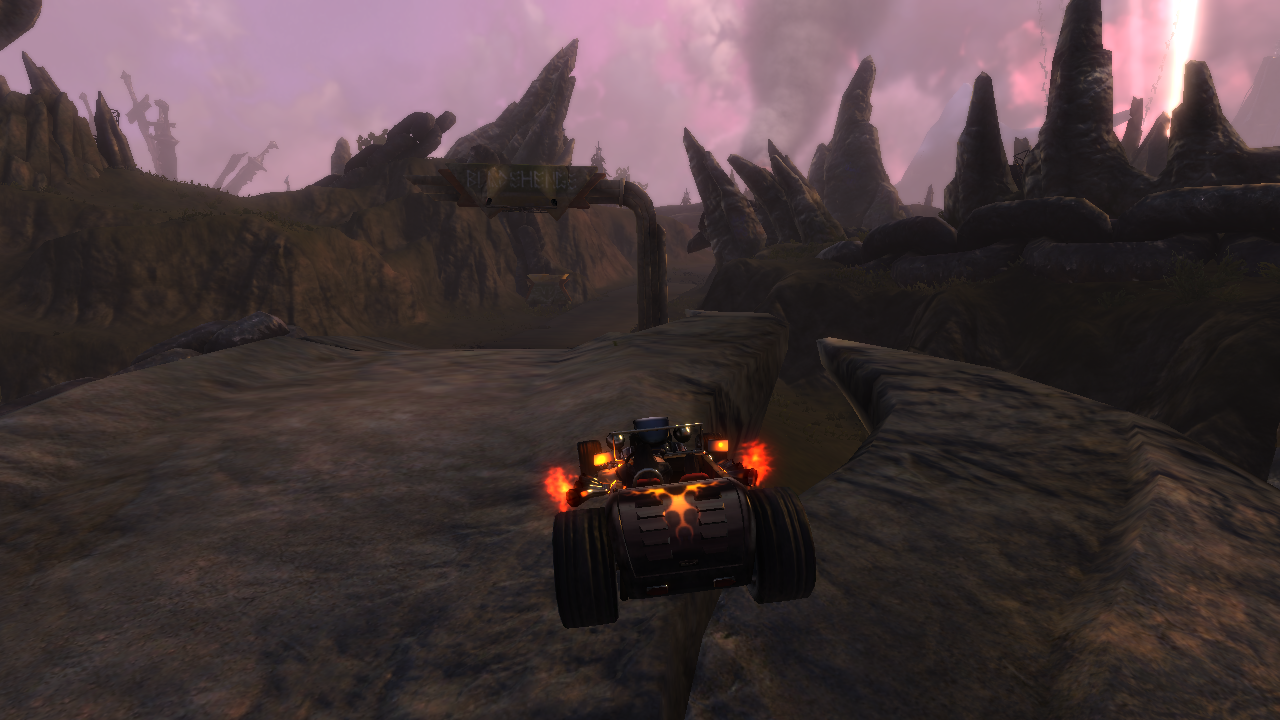
- Use GE-Proton 10-34. Runs through Steam (it uses Steamworks DRM, so Steam stays running).
- Add your controller’s SDL GUID to the game’s per-user
SDLGamepad.config(its stock list is too old to recognize modern pads). - Float the Joy-Con off X11 (same commands as Blur step 3), and set the game’s Steam Input to Disabled.
- Add
SD_GAMEMODE=1to the launch options to unload Steam’s UI (~600 MB) while keeping the client alive for DRM.
Command & Conquer: Red Alert 3 (Steam appid 17480)

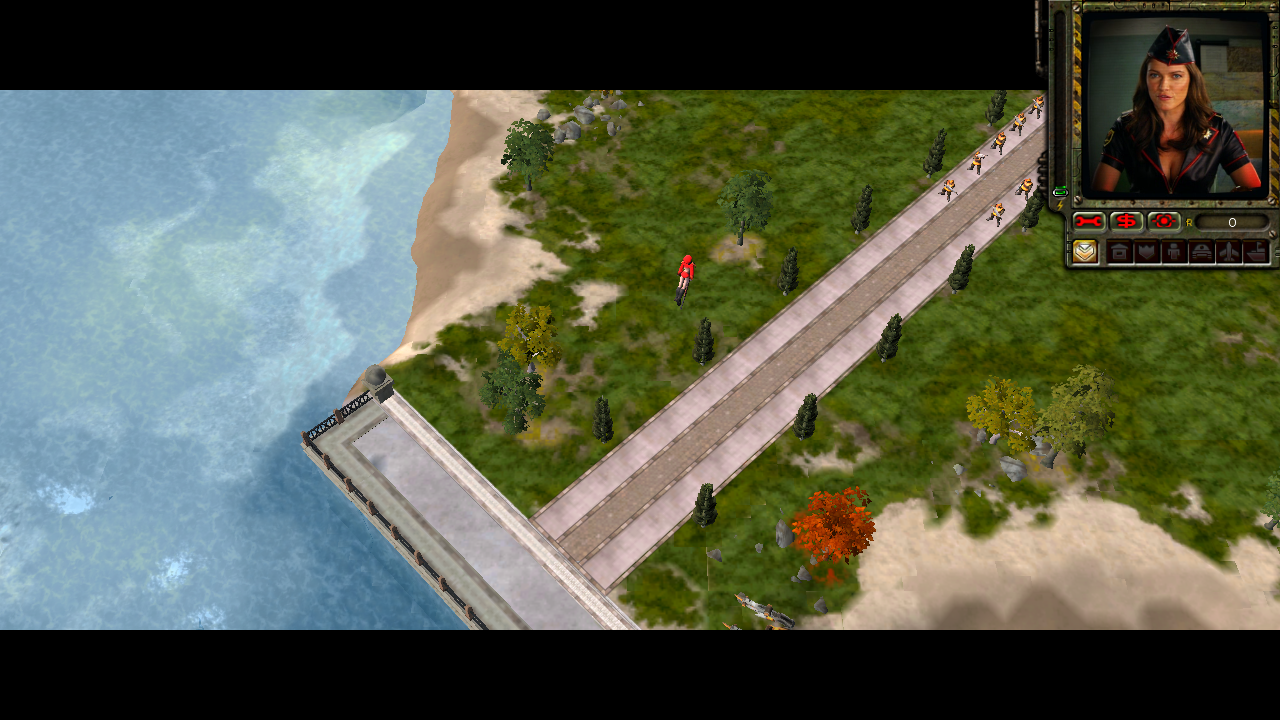
This one just needed some time to bake. After apply the above generic fixes, it still didn’t seem like it was loading. Turns out the first launch takes like 15 minutes for whatever reason, subsequent launches are in the 30 second range. Finally I have Tim Curry properly on my Switch !!
One Gotcha for Controller Games:
Switchroot’s Joy-Con driver exposes the pad as an X11 mouse + keyboard on top of the real gamepad. Native-gamepad games get double input (stick moves the cursor, buttons fire Escape and quit). Use xinput float to disable as noted above.